Capture screenshots your way
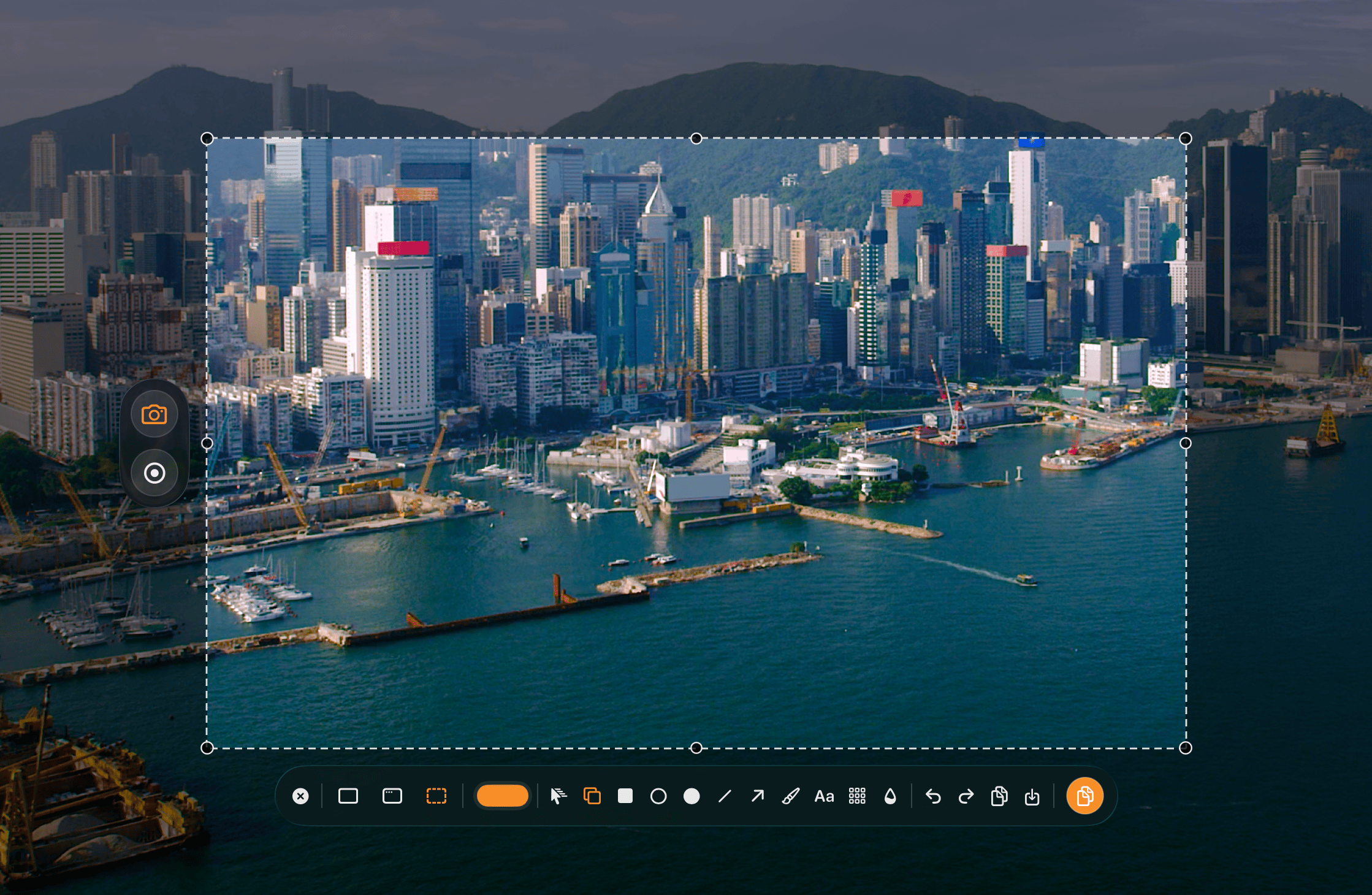
Start with ⌘ ⇧ C, then capture an area, a window, or the full screen.

VivyShot
Screenshots and screen recordings for Mac. Add your notes, copy, and share.
Native macOS UI for capture, annotation, recording, and export.
macOS 15.2+ · Free download · No subscription
Start with ⌘ ⇧ C, then capture an area, a window, or the full screen.
Use shapes, arrows, text, blur, and pixelate.
Record screen video with audio and input overlays.
Use the keyboard to copy fast with ⌘ C, or save clean PNG and JPEG output.
Screen recording
Record a bug, a walkthrough, or a quick explanation. Screen recording with system audio is free. Add microphone, webcam, and keystroke overlays to exports with Lifetime.
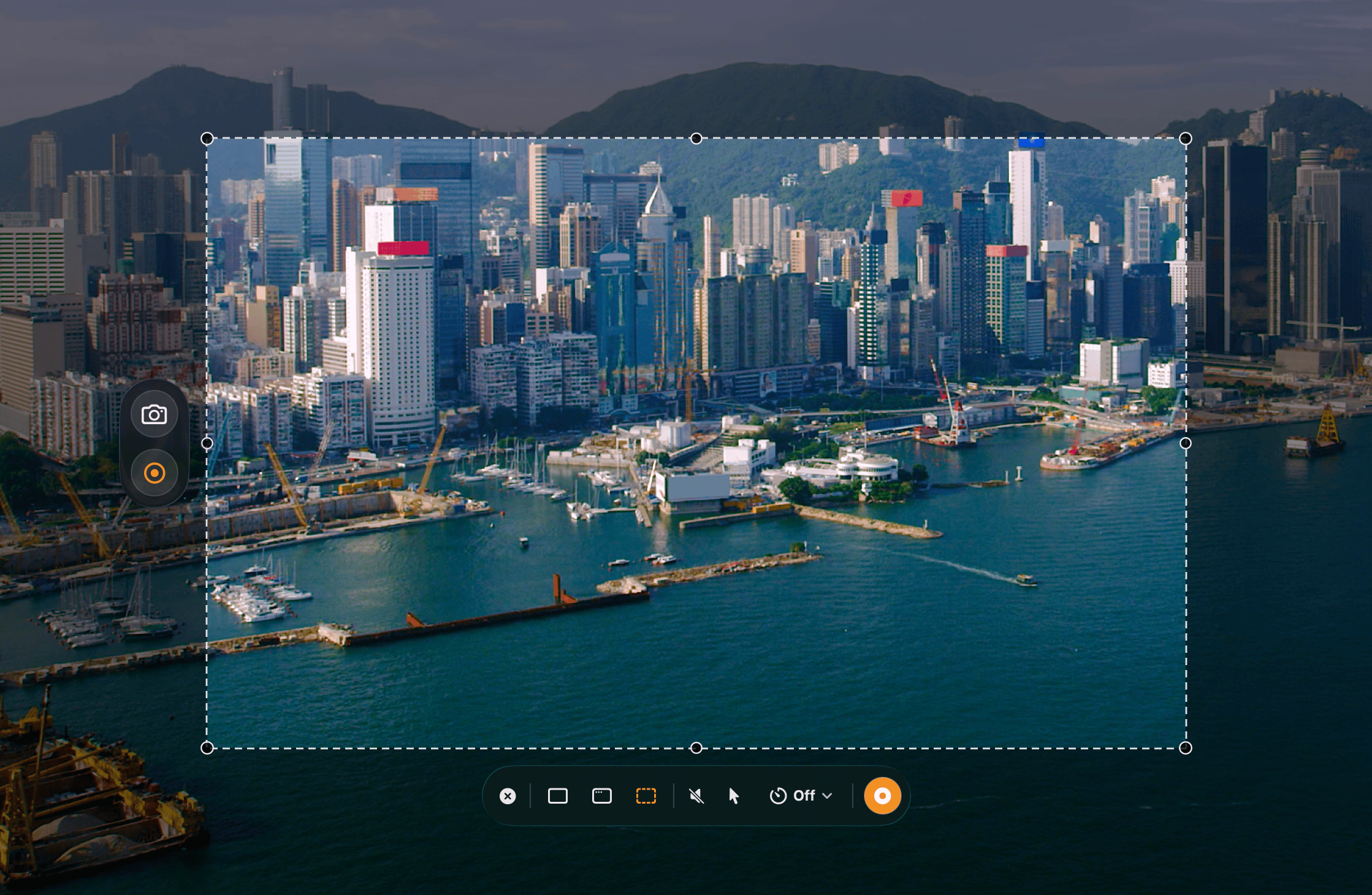
Built with a native macOS UI so VivyShot feels at home where it runs.
The app stays focused on fast capture, annotation, recording, and export instead of spreading across platforms.
The code is public, inspectable, and developed in the open.
View on GitHubFree, Lifetime, and Supporter. No subscription.
$0
$9.99
one-time
$24.99
one-time
USD reference prices. Local prices appear in the App Store. One-time upgrades are available in the app.
Three steps, kept simple.
01
Ship the core capture app first.
02
Add simple post-capture editing.
03
Refine the macOS workflow and export quality.
Native macOS UI for capture, annotation, recording, and export.
Download